Challenge
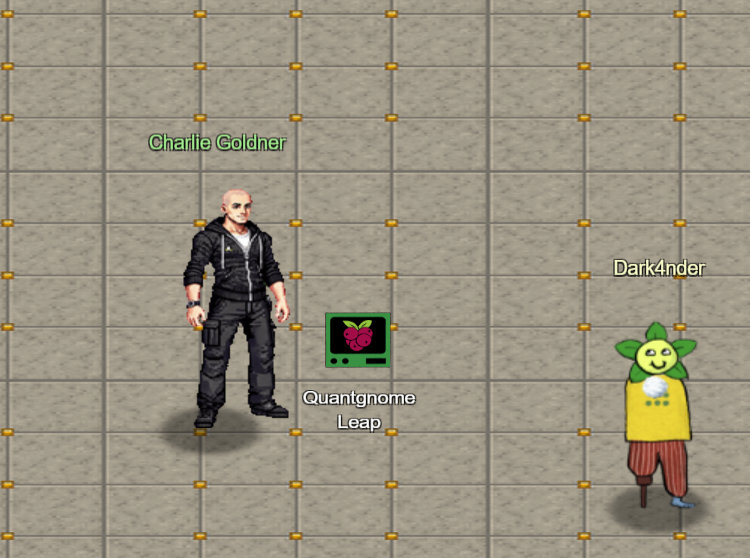
Hey there - I’m Charlie. I like music, AI tokens, and quantum pancakes. Oh, and I’ve got a soft spot for social engineering too.
I just saw a mysterious gnome - he winked and vanished… or did he? Looks like we’ve stumbled into a quantum conundrum!
Help me solve these cryptic puzzles and outsmart future quantum computers. Ready to take the leap?
Solution
First we need to find the PQC key generation program created on this system and execute it.
qgnome@quantgnome_leap:~$ find /usr/local/bin/
/usr/local/bin/
/usr/local/bin/pqc-keygen
qgnome@quantgnome_leap:~$ pqc-keygen
— Summary -> Total algorithms = 28 | ✔ Keys generated = 28
Next, we are told to use -t to display key characteristics.
qgnome@quantgnome_leap:~$ pqc-keygen -t
Algorithm                             Bits  NIST    Kind
------------------------------------  ----  ----  ---------
sphincssha2128fsimple                   32   1          PQC
sphincssha2256fsimple                   64   5          PQC
...
Next step is to SSH into pqc-server.com. Before we can do this we need to find the right user:
qgnome@quantgnome_leap:~$ ssh-keygen -l -f  .ssh/id_rsa.pub
3072 SHA256:fH6/jjjz8zlcqrBcTFryBEIR1MHyweyZZl4WqJQPb0o gnome1 (RSA)
qgnome@quantgnome_leap:~$ ssh gnome1@pqc-server.com
...
Welcome, gnome1 user! You made the first leap!
The next jumps are all similar. However, we can learn a lot about the keys, their strengths, and weaknesses.
gnome1@pqc-server:~$ ssh gnome2@pqc-server.com
gnome2@pqc-server:~$ ssh gnome3@pqc-server.com
gnome3@pqc-server:~$ ssh gnome4@pqc-server.com
gnome3@pqc-server:~$ ssh gnome4@pqc-server.com
gnome4@pqc-server:~$ ssh admin@pqc-server.com
We now have access to a directory in the same location as the SSH daemon. Time to look around for our final flag.
admin@quantgnome_leap:/usr/local$ cat /opt/oqs-ssh/flag/flag
HHC{L3aping_0v3r_Quantum_Crypt0}