Challenge
Hey there - I’m Mark, a lifelong fan of vintage tech. My dad helped engineer the Apollo 11 radar systems, so collecting old computers connects me to that history.
Here’s a restoration tip: always remove those RIFA capacitors - unless you like the smell of burnt smoke!
I started coding in 1982 on a Commodore CBM, still love BASIC and Apple II assembly, and believe, as Alan Turing said, "Sometimes it’s the people no one imagines anything of who do the things no one can imagine".
While cleaning the Retro Store with Kevin, I found a FAT12 floppy disk image under an old arcade machine. Back in the day, we hid warez as deleted files - because in file systems, "deleted" doesn’t always mean gone.
Task: Check your badge items, download the floppy image, and uncover the secrets hidden inside.
Solution
First, we of course load the disk image onto our Kali instance
wget https://www.holidayhackchallenge.com/2025/assets/floppy.img
We already know that it is a FAT12 file system. Here we can use the testdisk tool to recover files.
sudo testdisk floppy.img

Select [Proceed]
Select None
Select [Undelete]
Select all i-want_for_christmas.bas
SELECT c top copy to local file
QUIT
We quickly find the deleted file: all_i-want_for_christmas.bas
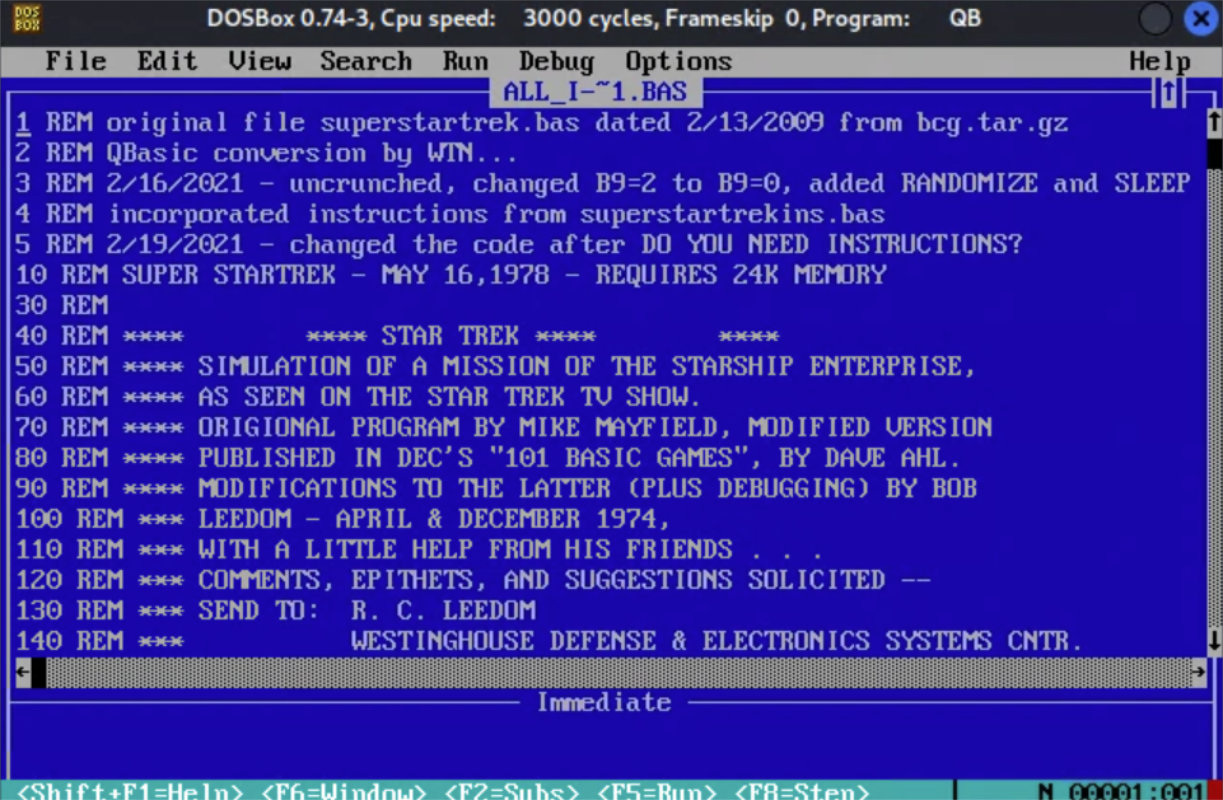
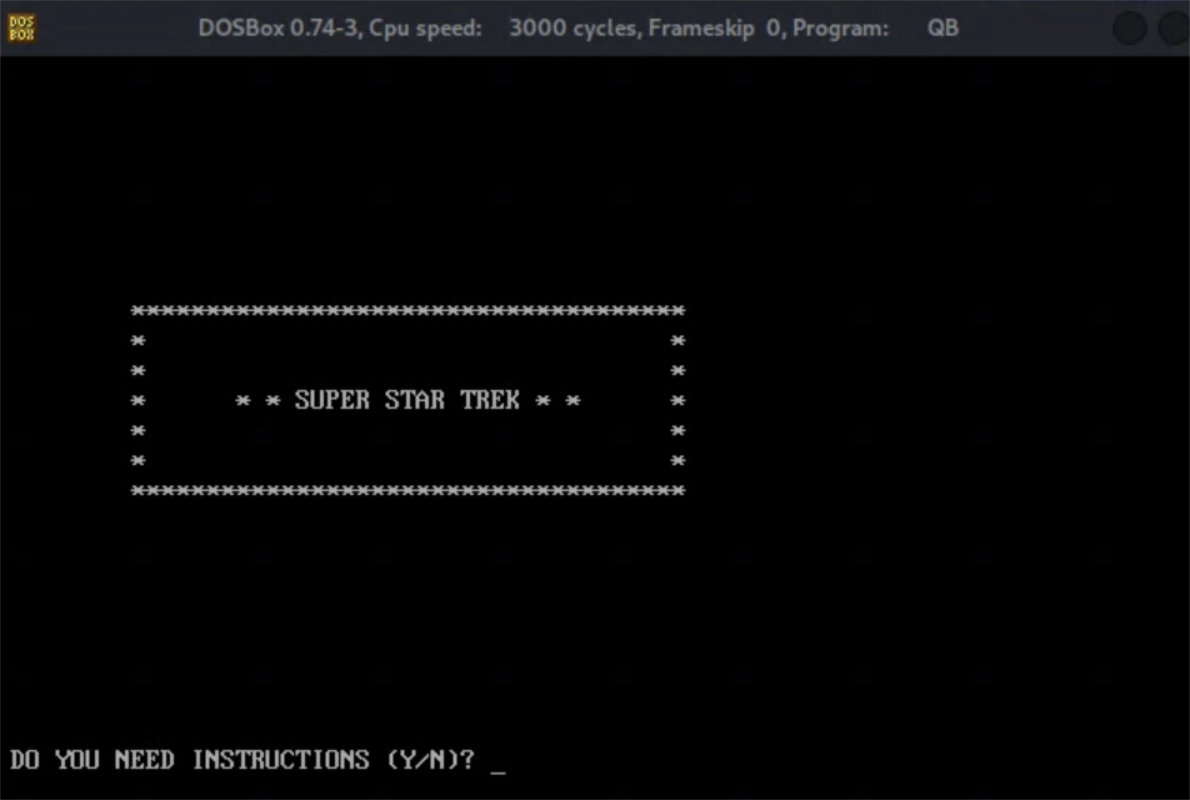
Afterwards, we could even run the game.
sudo mount -o loop -t vfat disk.img /mnt/floppy
sudo mv all_i-want_for_christmas.bas /mnt/floppy/

dosbox
MOUNT C /mnt/floppy

cd QB45
QB.EXE

Load the .bas file recovered earlier