Challenge
Hey - I’m Evan, and I love building things - all kinds of things. If you’re not failing somewhere, your difficulty settings might be too low.
Lately, I’ve picked up some strange signals - not normal radio or Wi-Fi chatter, but something weirder. I’ve been trying to decode the patterns, but it’s like building a robot hand from a coffee maker - you need the right approach.
Task: Analyze and decode the mysterious transmissions to uncover what’s being sent - before the cold freezes everything solid.
Solution
Preparations
When we look at the page and the source, we see that the data is received via websockets. We install a small tool to download this directly in Kali.
https://signals.holidayhackchallenge.com/
sudo wget -qO /usr/local/bin/websocat \\n  https://github.com/vi/websocat/releases/latest/download/websocat.x86_64-unknown-linux-musl
sudo chmod a+x /usr/local/bin/websocat
We then let the streams run long enough to have a complete iteration and cut out the rest, as indicated by the start and stop markers.
websocat wss://signals.holidayhackchallenge.com/wire/dq > dq.trace
websocat wss://signals.holidayhackchallenge.com/wire/sck > sck.trace
websocat wss://signals.holidayhackchallenge.com/wire/mosi > mosi.trace
websocat wss://signals.holidayhackchallenge.com/wire/scl > scl.trace
websocat wss://signals.holidayhackchallenge.com/wire/sda > sda.trace
DQ / 1-Wire decoding
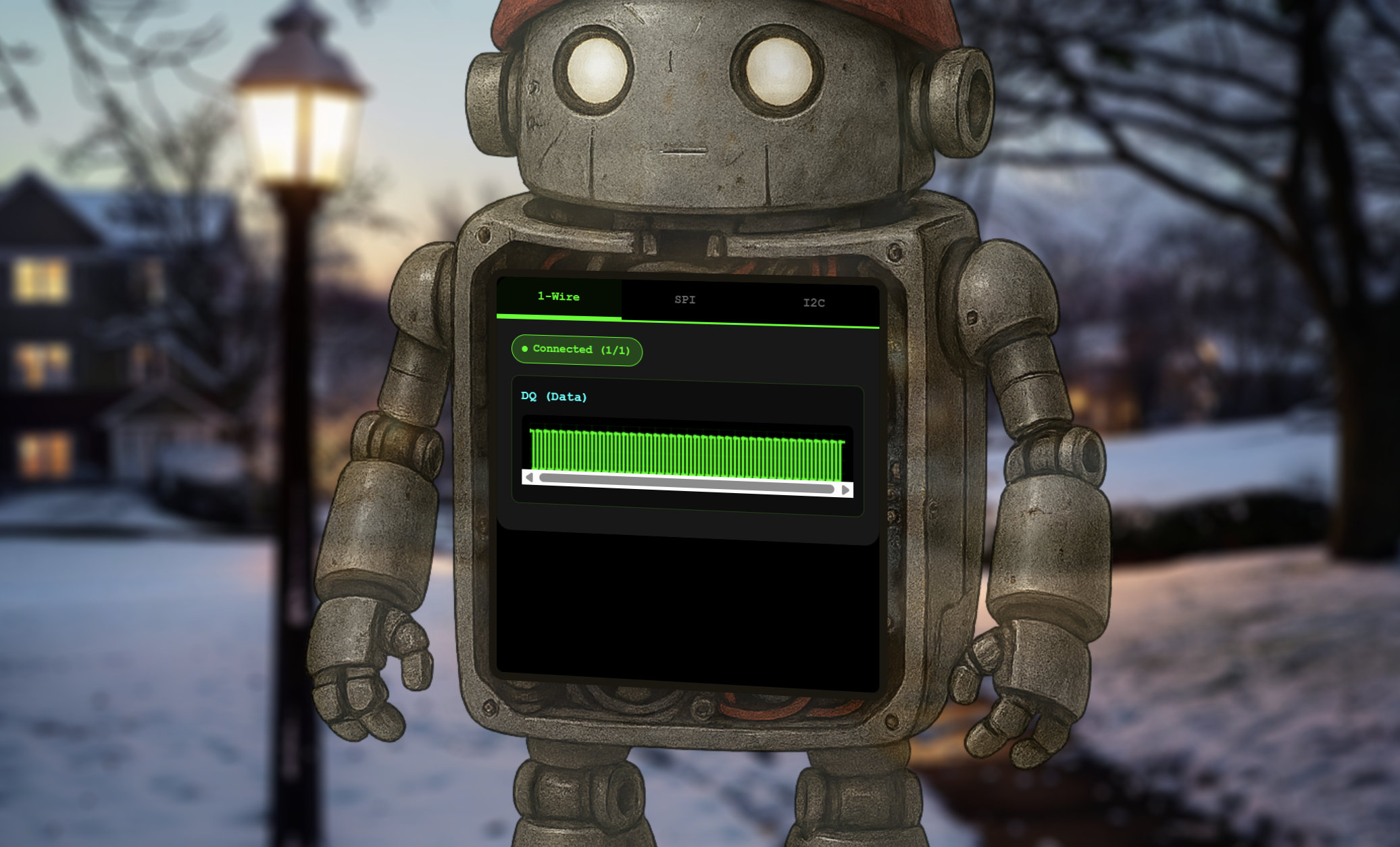
In the first step, we decode a 1-Wire signal captured from a single data line called DQ.
This bus doesn’t have a clock; instead, it encodes information purely through pulse lengths, so our script measures how long the line stays low after every falling edge.
Short pulses represent a binary 1, while longer pulses represent a 0, and extremely long pulses correspond to reset or presence signals that we intentionally ignore.
Once these high-resolution timings are converted into bits, we reconstruct each byte according to the 1-Wire rule that transmits bits least-significant first.
This final plaintext gives us instructions for the next step.
decode_1wire_json.py
python3 decode_1wire_json.py dq.trace
Hex bytes:
cc 72 65 61 64 20 61 6e 64 20 64 65 63 72 79 70 74 20 74 68 65 20 53 50 49 20 62 75 73 20 64 61 74 61 20 75 73 69 6e 67 20 74 68 65 20 58 4f 52 20 6b 65 79 3a 20 69 63 79

ASCII (non-printables shown as '.'):
.read and decrypt the SPI bus data using the XOR key: icy
MOSI + SCK / SPI decoding
In the second phase, we interpret an SPI trace using the master-out data line (MOSI) together with the clock line (SCK).
Unlike 1-Wire, SPI is synchronous, meaning every valid data bit appears exactly at a specific clock edge, so our script uses the SCK “sample” markers to decide precisely when to read MOSI.
Each sampled value forms one bit, and after collecting eight bits we reconstruct a full SPI byte using the bus’s MSB-first ordering.
This gives us a clean stream of raw data, but just as in the previous step, the content is intentionally masked for the challenge.
We therefore apply another round of XOR decryption, this time with the key indicated by the 1-Wire message.
The decrypted result contains the next hint in the puzzle, guiding us toward analyzing the third and final bus.
decode_spi_xor.py
python3 decode_spi_xor.py mosi.trace sck.trace
Raw SPI data:
HEX  : 1b 06 18 0d 43 18 07 07 59 0d 06 1a 1b 1a 09 1d 43 0d 01 06 59 20 51 3a 49 01 0c 1a 43 1d 08 17 18 49 16 0a 00 0d 1e 49 17 11 0c 43 21 26 31 59 02 06 00 53 43 1b 08 0d 18 07 19 18 47 43 0d 01 06 59 1d 06 14 19 06 0b 08 17 0c 1b 06 59 1a 06 17 1a 0c 0b 49 02 1d 0d 11 1c 1a 10 59 00 10 59 59 1b 4a 2a
ASCII: ....C...Y.......C...Y Q:I...C....I.....I...C!&1Y...SC.......GC...Y...........Y......I.......Y..YY.J*

Decrypted SPI data using XOR key 'icy':
HEX  : 72 65 61 64 20 61 6e 64 20 64 65 63 72 79 70 74 20 74 68 65 20 49 32 43 20 62 75 73 20 64 61 74 61 20 75 73 69 6e 67 20 74 68 65 20 58 4f 52 20 6b 65 79 3a 20 62 61 6e 61 6e 7a 61 2e 20 74 68 65 20 74 65 6d 70 65 72 61 74 75 72 65 20 73 65 6e 73 6f 72 20 61 64 64 72 65 73 73 20 69 73 20 30 78 33 43
ASCII: read and decrypt the I2C bus data using the XOR key: bananza. the temperature sensor address is 0x3C
SDA + SCL / I²C decoding
The third step analyzes an I²C capture using both the SDA data line and the SCL clock line.
I²C frames begin with START and end with STOP, so our script uses these events to identify individual transactions, each containing an address byte followed by data bytes.
Every bit is sampled at the specific clock moments tagged as “address-sample” or “data-sample,” allowing us to reconstruct bytes in the correct MSB-first order.
From the first byte we extract the 7-bit device address and the read/write indicator, then decode all data bytes that follow.
As with the previous buses, the payload is not immediately readable, so we use an XOR operation with the key “bananza” to reveal the plaintext.
The final decrypted bytes expose the last hidden message, completing the multi-protocol decoding chain.
decode_i2c_xor.py
python3 decode_i2c_xor.py sda.trace
I2C address byte: 0x78
  -> 7-bit address: 0x3C
  -> R/W bit      : 0 (write)
WARNING: decoded 7-bit address 0x3C != expected temperature sensor address 0x30

Raw I2C data (from sensor):
HEX  : 51 53 40 59 5A
ASCII: QS@YZ

Decrypted I2C data using XOR key 'bananza':
HEX  : 33 32 2E 38 34
ASCII: 32.84